
Notes, Tasks & Boards for You and Your AI
Kyle
Kyle 2.0 puts your notes and tasks together on boards — and connects them to Claude, Cursor, Windsurf, and any AI that supports MCP. Write a note, close a task, or let your AI do both for you. Available on iPhone, iPad, and Mac.
iPhone
iPad
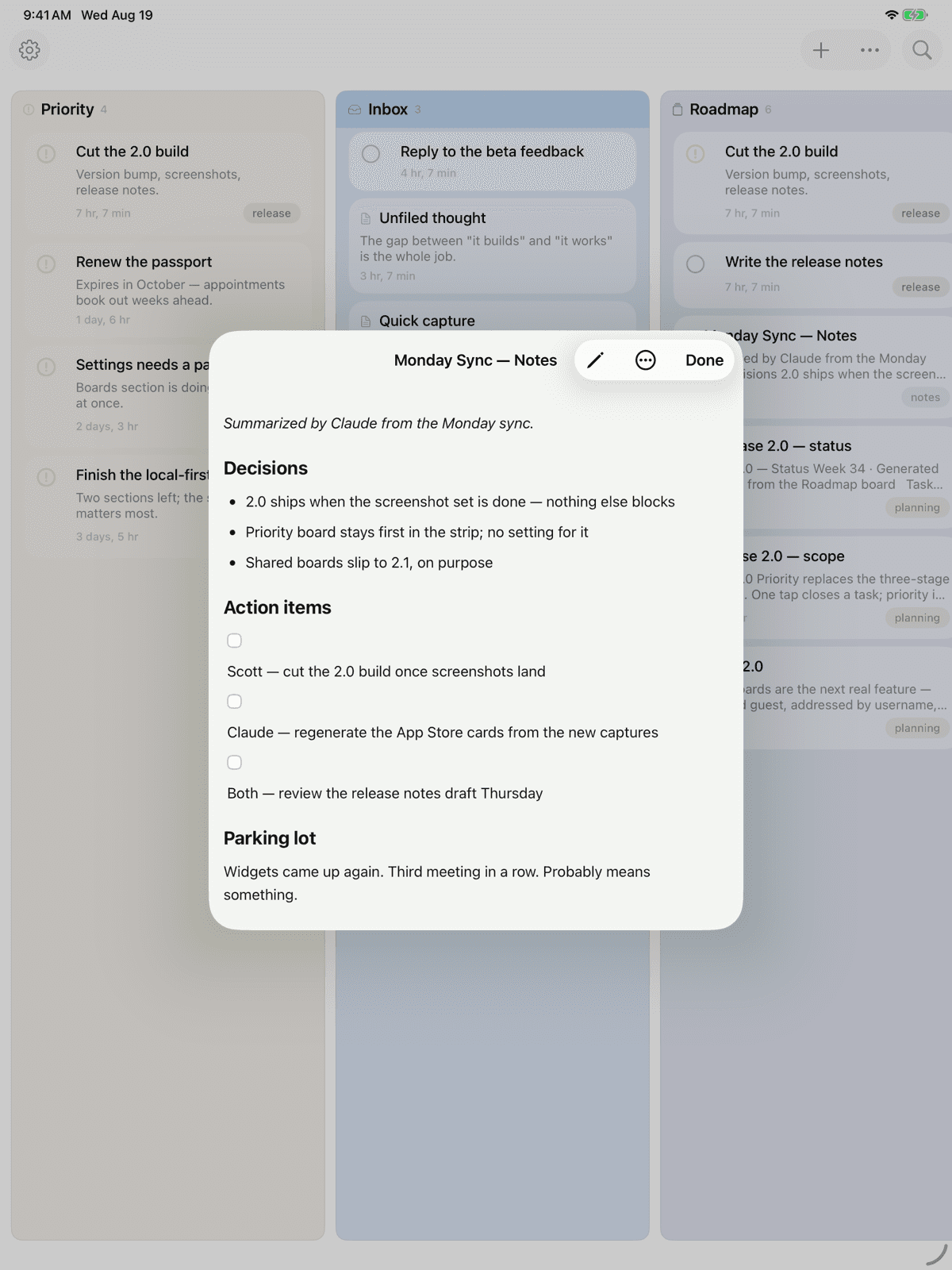
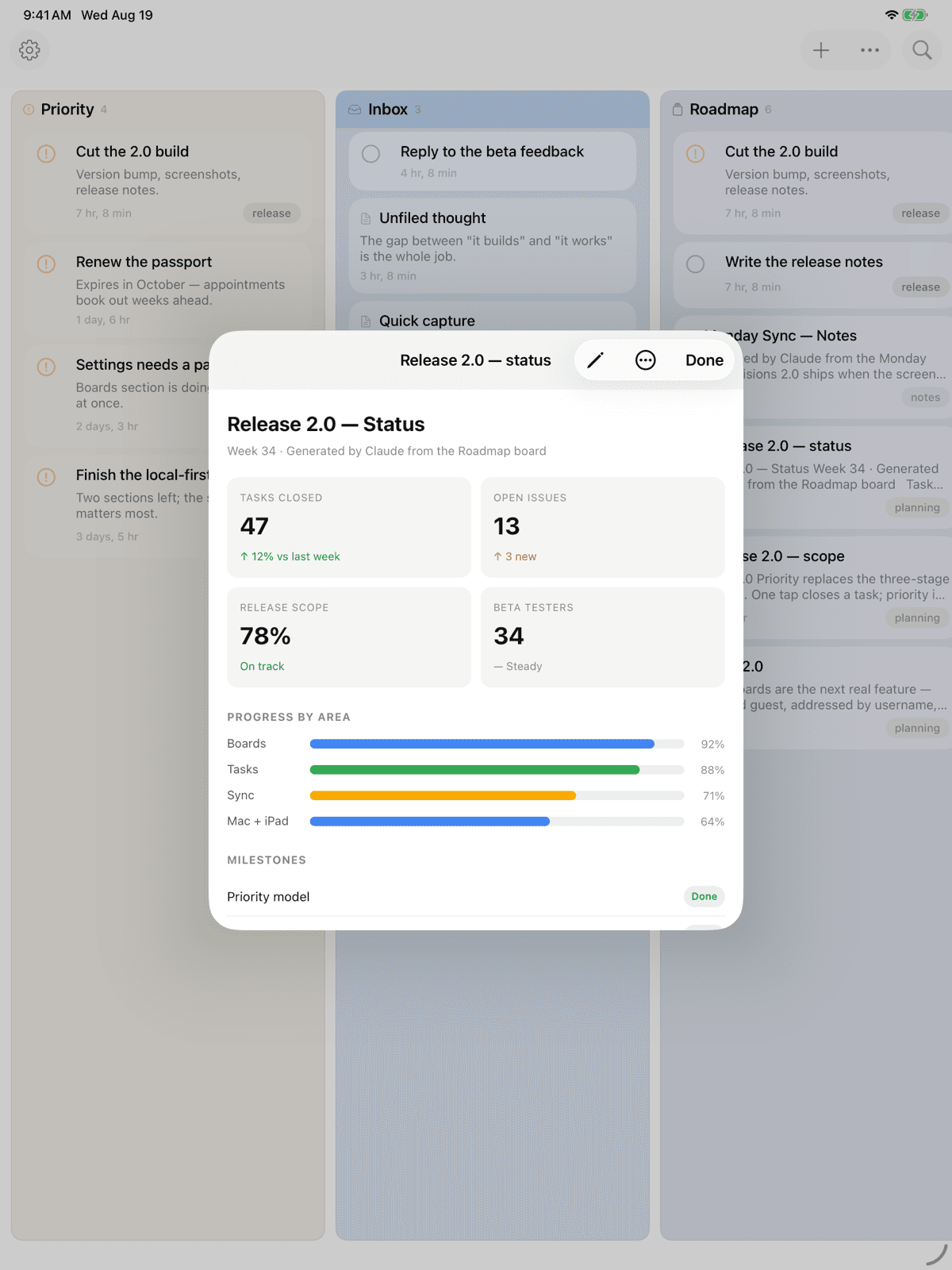
Mac
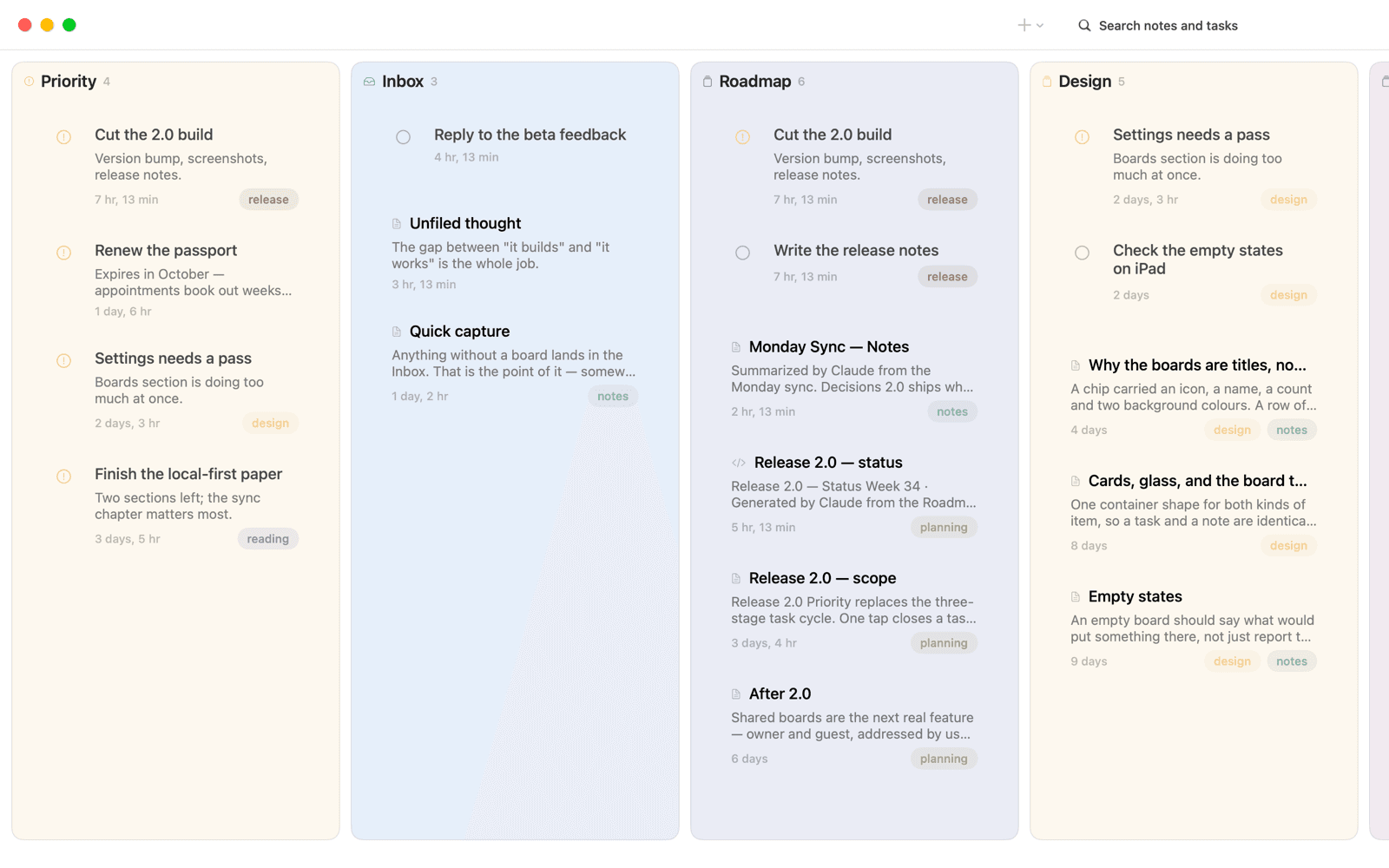
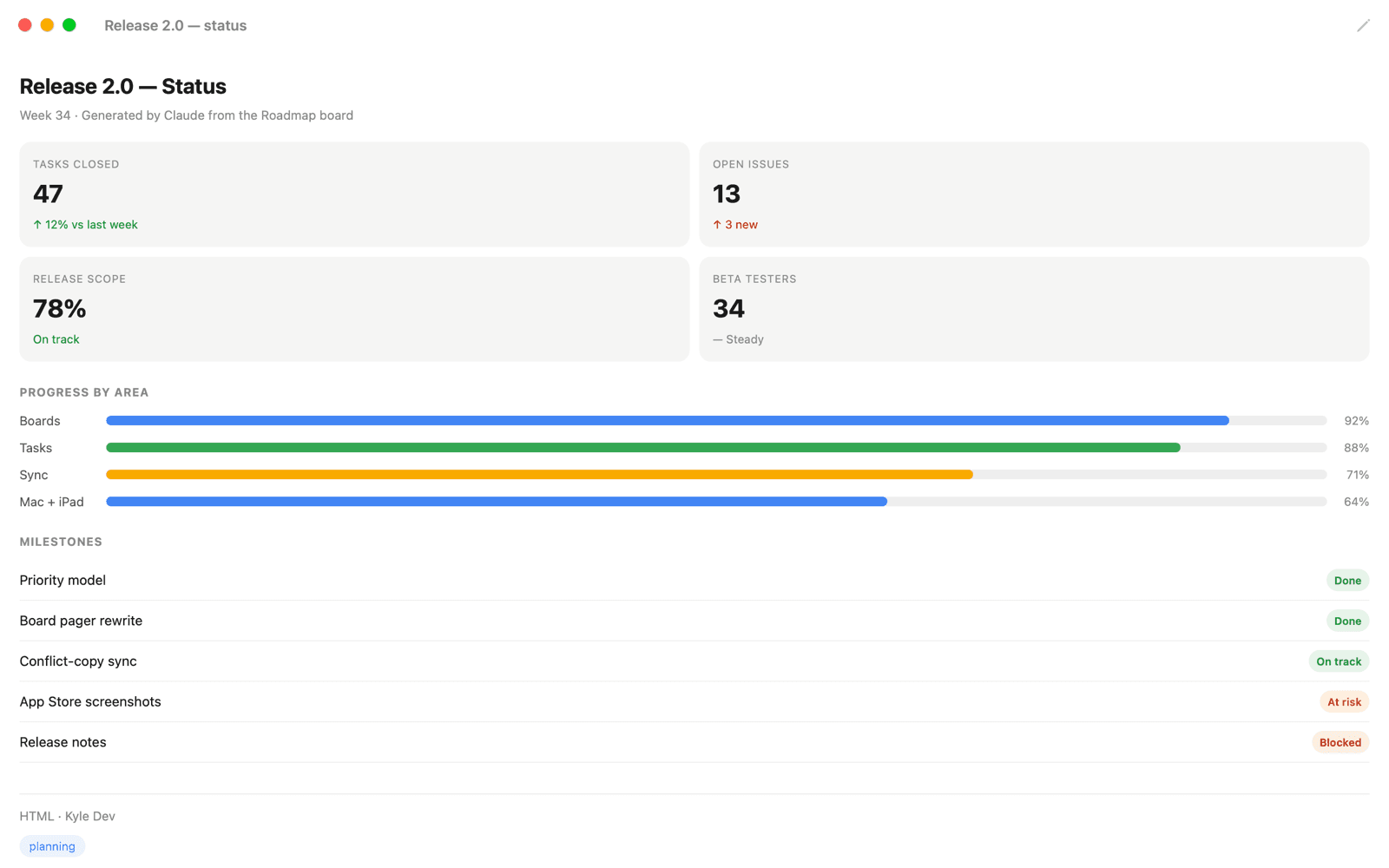
How Kyle Works
Kyle uses MCP (Model Context Protocol) to give your AI direct access to your notes and tasks. No special instructions needed — your AI discovers Kyle automatically.
Open Kyle
Launch the app and your account is created instantly. No signup, no password. You're ready to write in seconds.
Connect Your AI
Copy your MCP URL from Settings and paste it into Claude, Cursor, Windsurf, or any MCP-compatible AI client.
Work Together
Ask your AI to save notes, create tasks, or file things onto the right board. Everything syncs to the app instantly.
Everything You Need
Boards Hold Everything
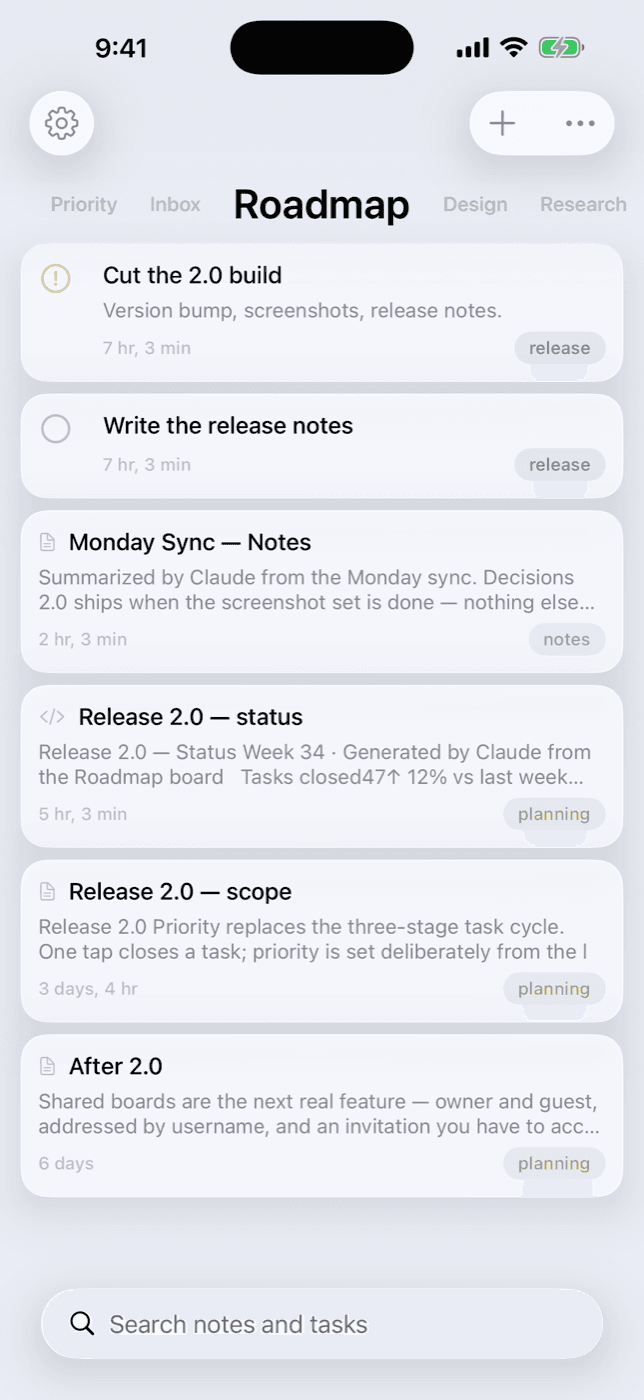
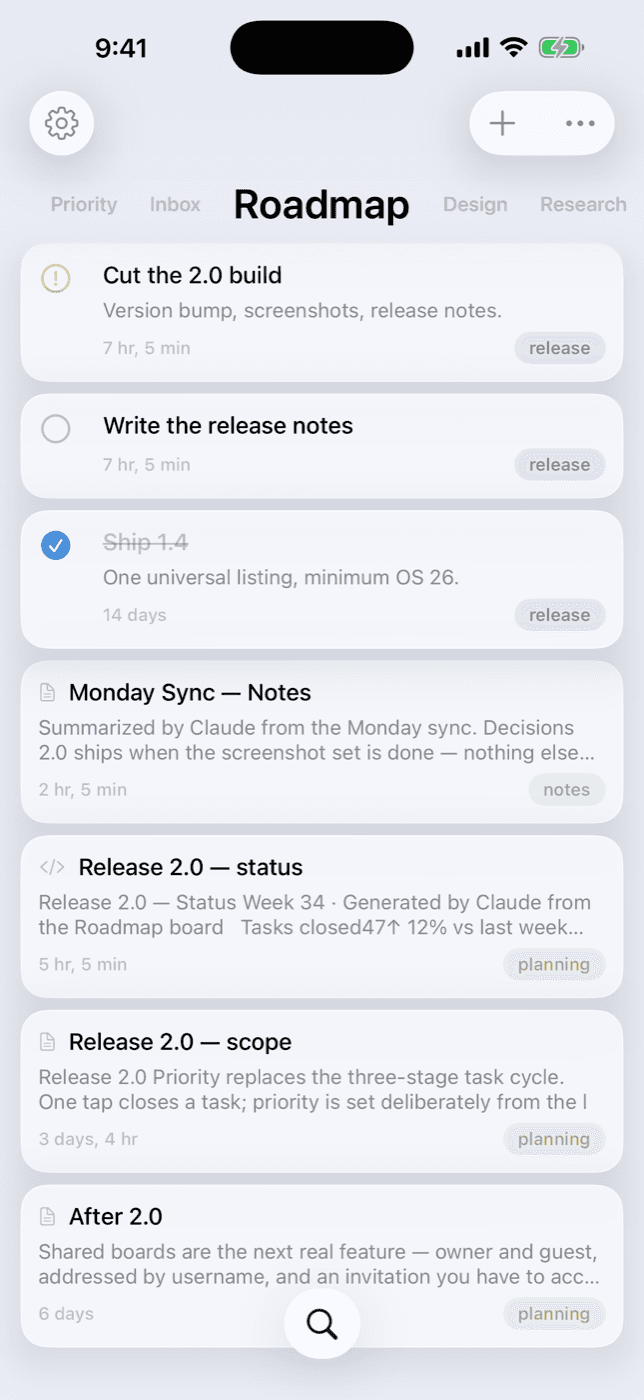
Notes and tasks live together on boards. Swipe between them — the title tracks your finger — and Kyle reopens on the board you left.
Tasks Without Ceremony
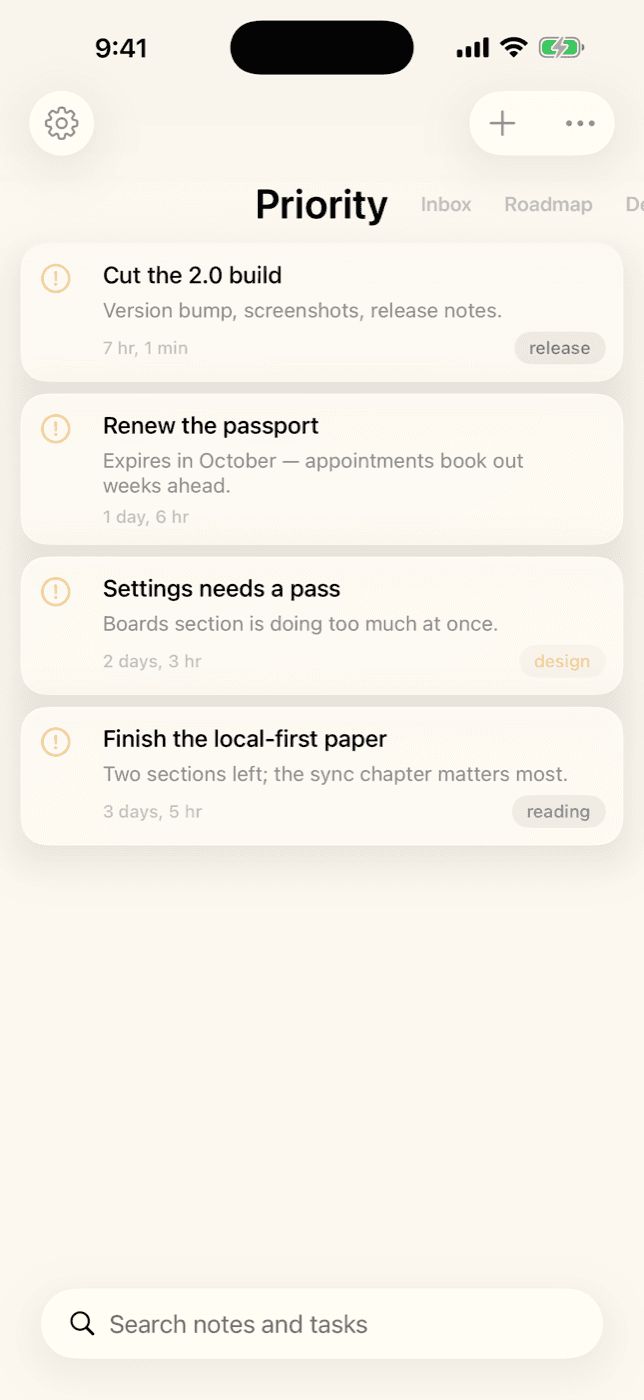
One tap closes a task. Long-press to mark it priority, and it joins the Priority board — what matters most, gathered from every board.
Works with Any AI
Claude, Cursor, Windsurf, Claude Code — any app that supports MCP can read, write, search, and organize your notes and tasks.
Link Notes to Tasks
Connect a task to the note it came from, so the reasoning and the work stay together.
Full Markdown Editor
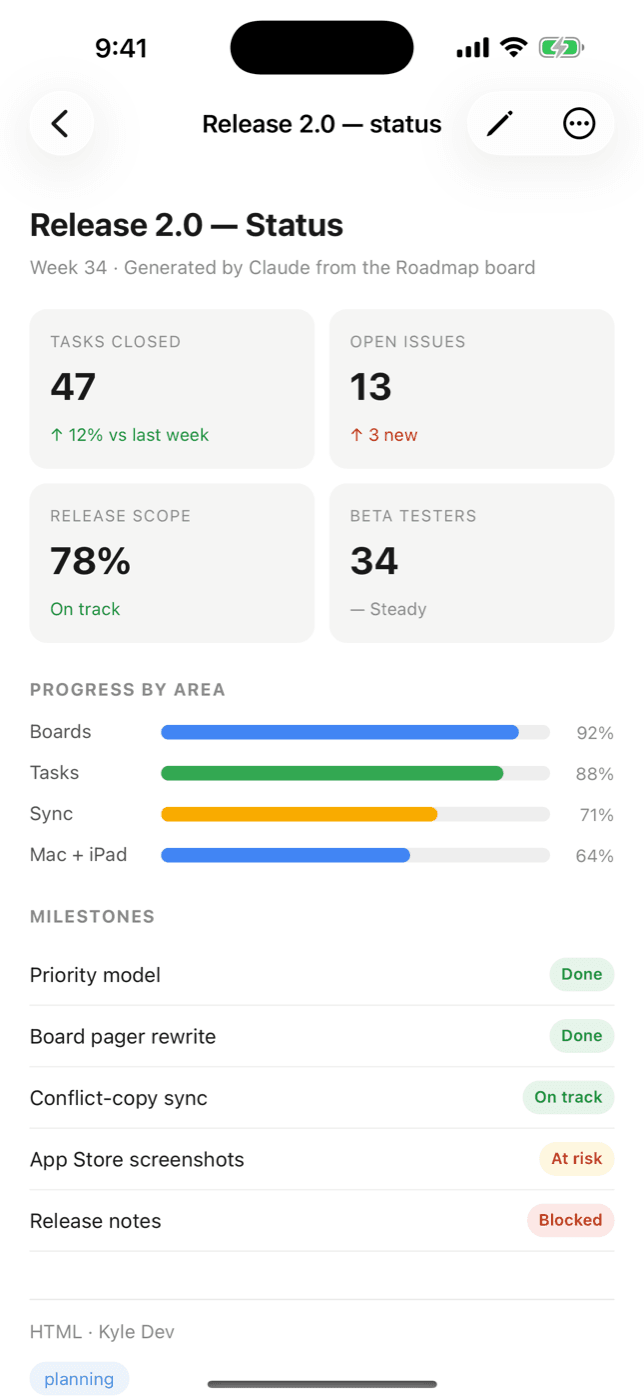
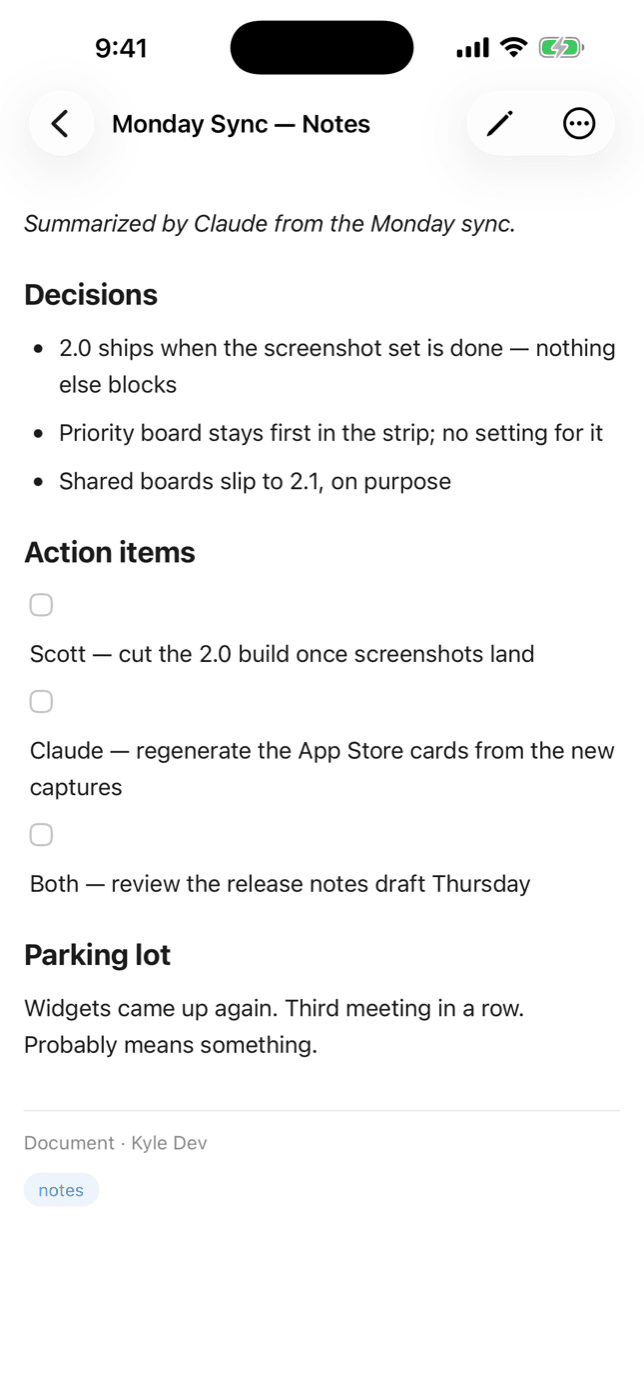
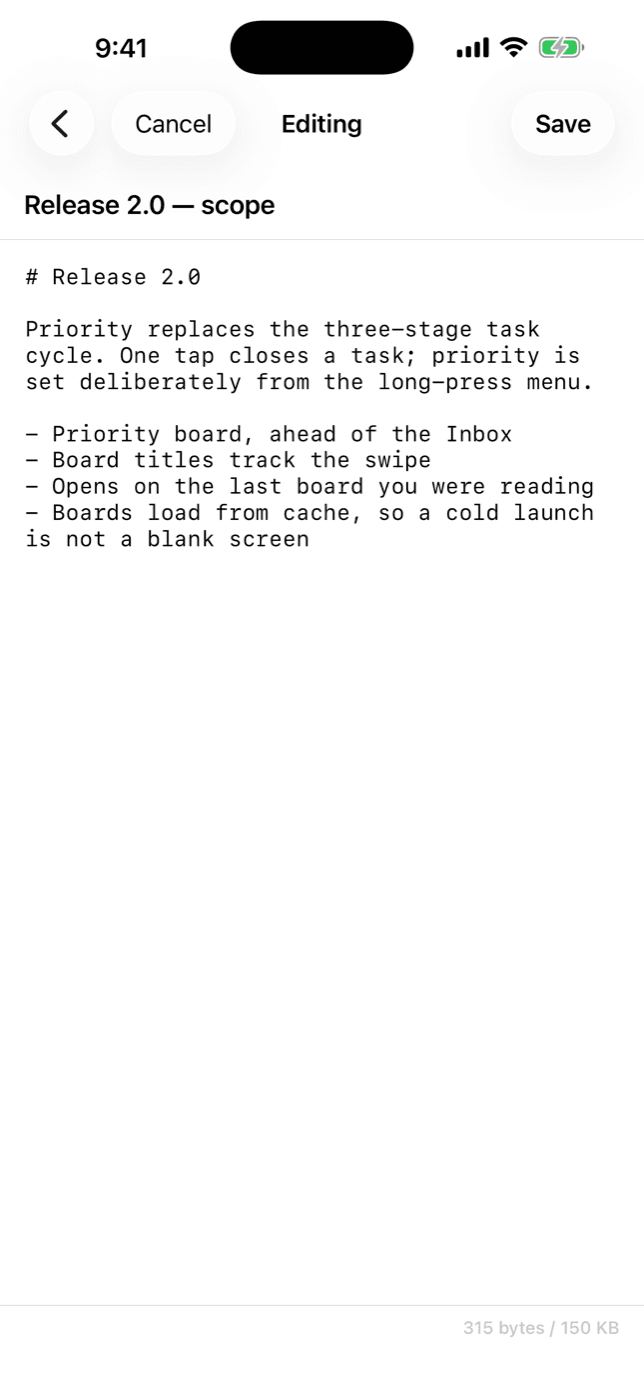
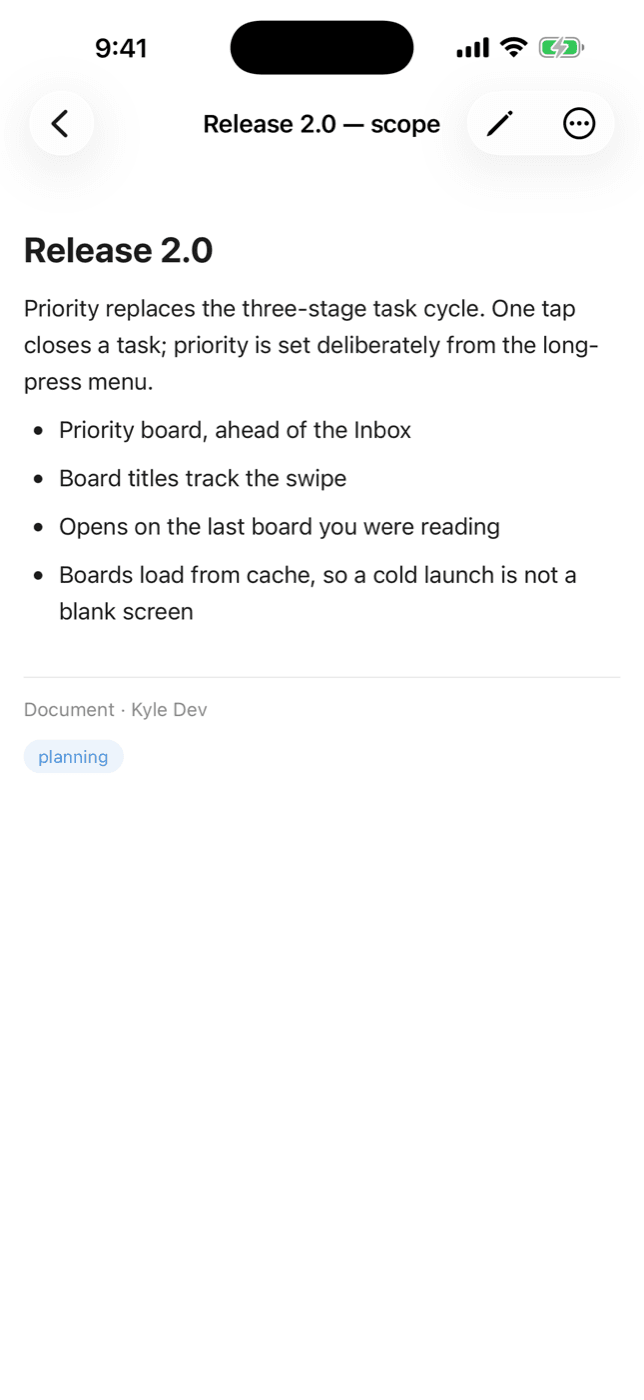
Write with headings, code blocks, tables, task lists, blockquotes, and more. Beautifully rendered in the app.
Truly Offline
Boards, notes, and tasks load from a local cache and sync when you're back. Colliding edits are kept as both versions — never overwritten.
Siri & Spotlight
Notes and tasks are searchable from Spotlight and available to Siri and Apple Intelligence — findable on-device without opening the app.
Syncs Everywhere
Create on your phone, organize on your iPad, write on your Mac, update from Claude — it just works.
Native on Every Device
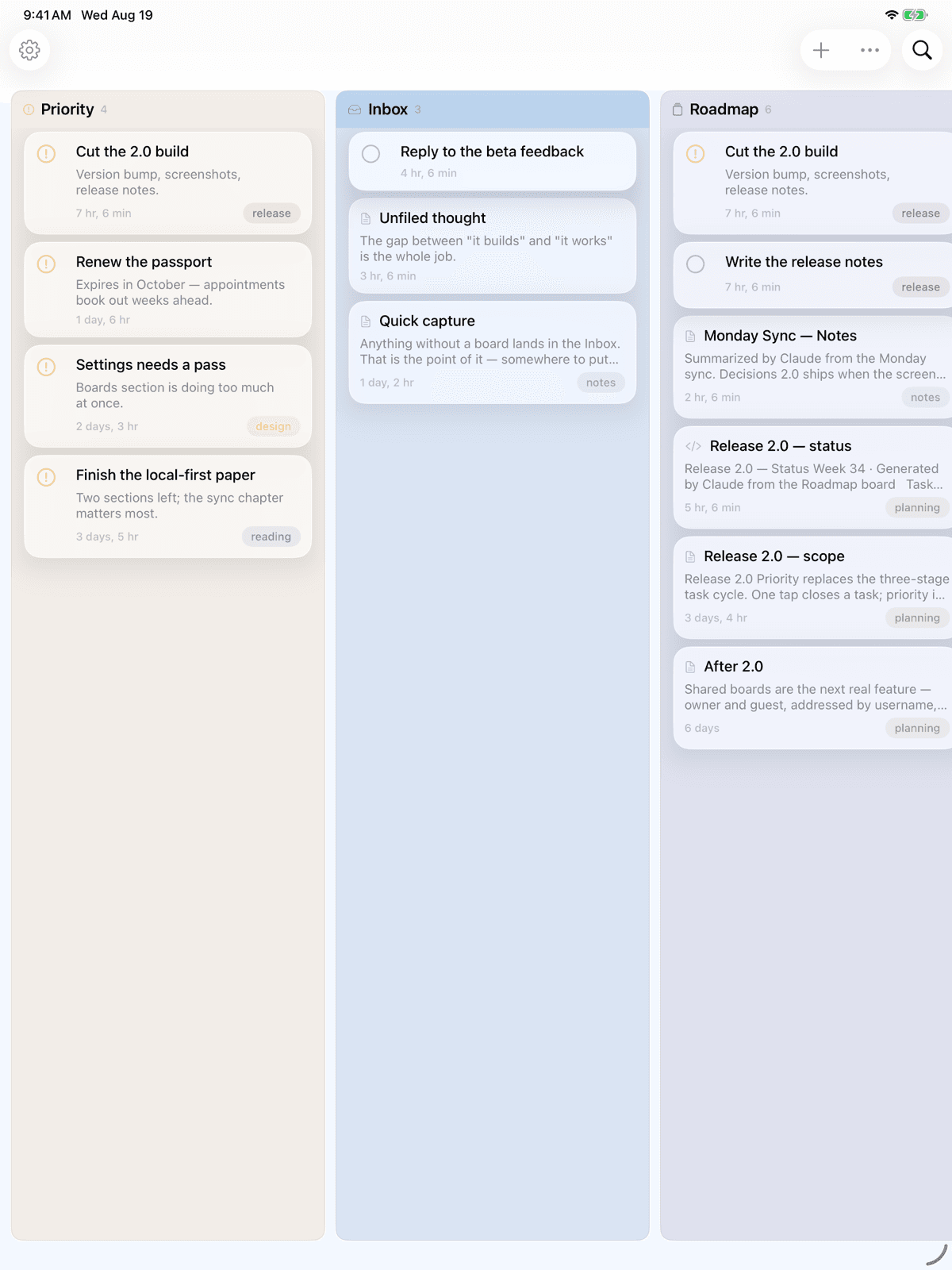
On iPad and Mac, boards stand side by side in columns. On Mac, notes open in their own windows.
Just Tell Your AI
No special commands to memorize. Talk to your AI like you always do.
Save this conversation as a note in Kyle
Add a task to the Roadmap board: ship the beta
What's on my Priority board?
Mark the release-notes task done
Summarize what we just discussed and file it on my Research board
Simple Pricing
Free
$0
- ✓ Notes, tasks & boards
- ✓ 2 notes per day
- ✓ 45 KB per note
- ✓ Full markdown editor
- ✓ Siri & Spotlight
- ✓ Offline access
Pro Monthly
$1.99/month
- ✓ Connect your AI via MCP
- ✓ 100 notes per day
- ✓ 150 KB per note
- ✓ Offline creation
- ✓ Everything in Free
- ✓ Priority support
Pro Yearly
$6.99/year
Save 70% vs monthly
- ✓ Connect your AI via MCP
- ✓ 100 notes per day
- ✓ 150 KB per note
- ✓ Offline creation
- ✓ Everything in Free
- ✓ Priority support
Works With Your AI
Kyle connects to any AI that supports MCP — the open standard for AI tool integration.
Ready to Try Kyle?
Download Kyle, connect your AI, and put your notes and tasks in one place you both can reach. Free to start — no signup required.
Download on the App Store